
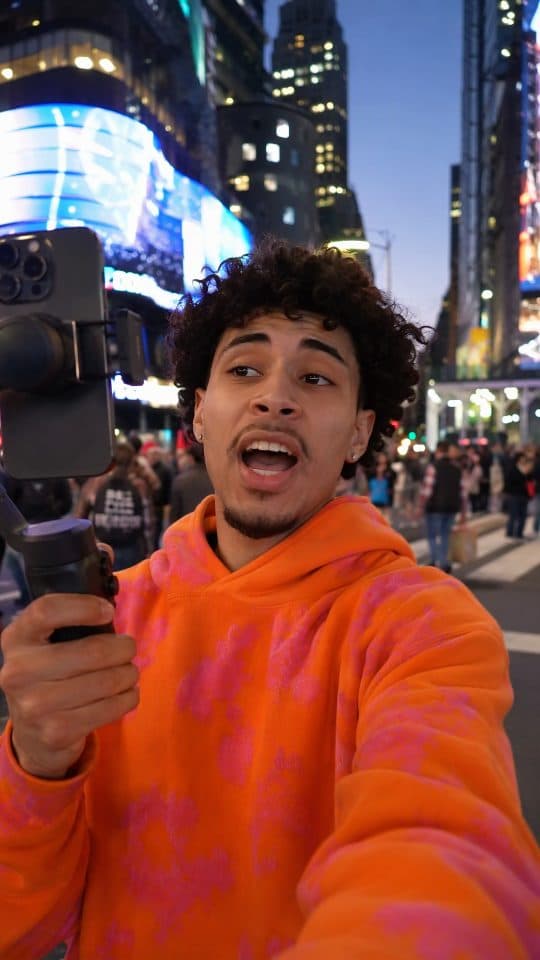
 Creator
This is insane!
Upload your video, generate captions synced to speech, customize the style, and export a clip ready to share.
Creator Mindset
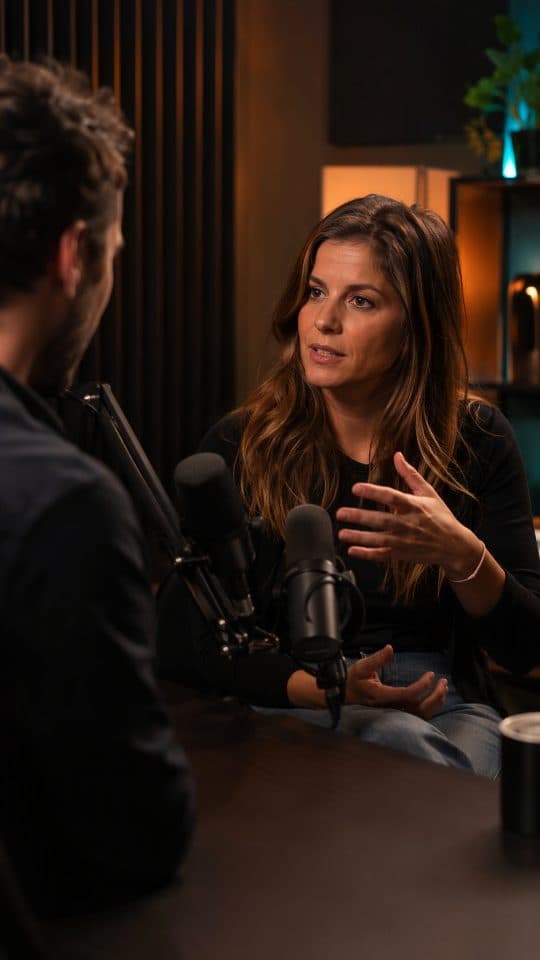 Podcast
 Gaming
 Travel
 Lifestyle
 Food
Food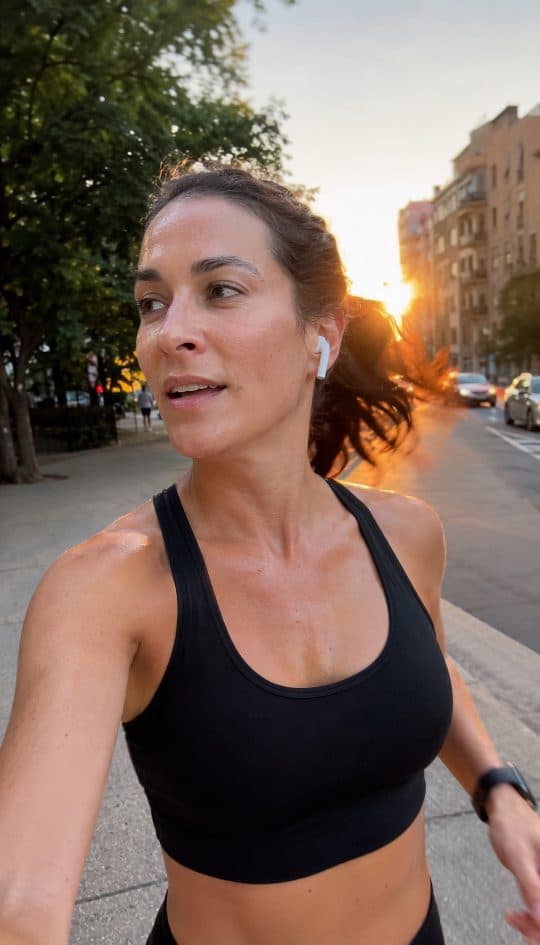 Fitness
 AdventureCreator
Still-image caption illustrations. Try your own video in the Studio.
Capgen is an AI video caption generator for Reels, TikTok and YouTube Shorts. Turn video speech into timed subtitles, customize the style, and download a captioned video or an SRT file.
Open the StudioGenerate timed captions from your video's spoken audio.
Highlight words in sync with the speaker.
Choose fonts, colors, layouts and caption presets.
Add pop, marker, glow or typewriter motion.
Download your captions as an SRT file.
Create videos for 9:16, 1:1 and 16:9.
Choose a video from your device.
Select the spoken language and generate synchronized captions.
Choose fonts, colors and animation, then export a captioned video or SRT subtitles.
Compare fonts, word highlights and contrast using presets from the Studio. These are style illustrations, not exported clips.
Default
Apple Minimalist
Bold
Versely Bold Impact
Highlight
Tidemark Marker
Neon
Versely Cyber Neon
Pop
The Bumblebee
Upload a video, generate timed captions, then adjust the fonts, colors and layout in one studio. Preview the result before exporting.
Studio illustration. Caption words and timings are not individually editable.
Prepare your own footage for Instagram Reels, TikTok videos or YouTube Shorts. Each guide covers captions inside the video, canvas choice and manual upload.
Browse animated caption styles, learn the SRT subtitle workflow, or explore captioning workflows for creators, podcasters and teams.
Generate timed captions, choose a style and export your video.
Free exports, supported formats and what you can customize.